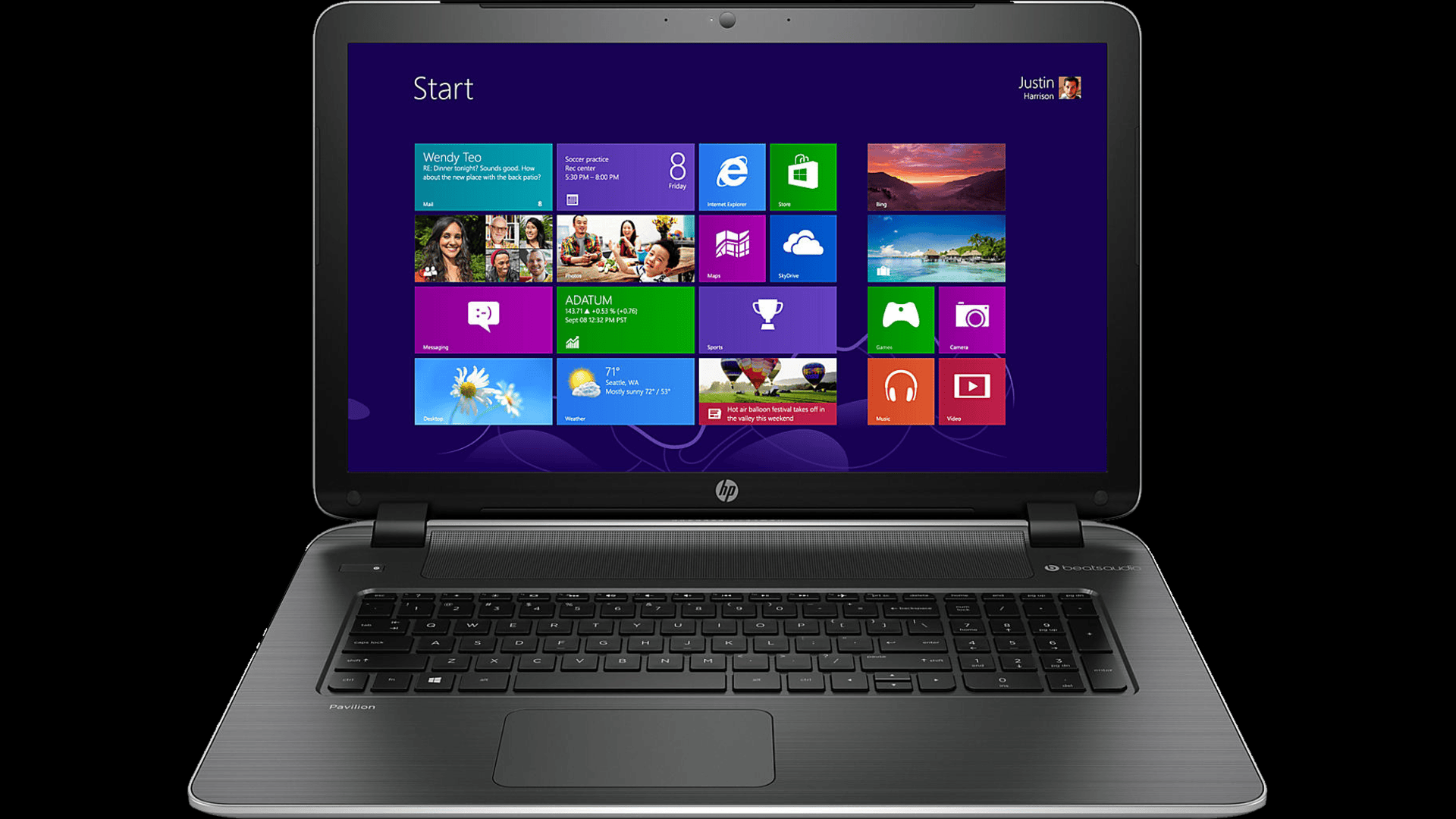
In the modern computer era, DDR (Double Data Rate) memory plays an important role in system performance. DDR memory helps increase data access speed and overall performance of your PC. To ensure you get the maximum benefit from DDR memory, here are some tips and tricks that you can apply.
1. Choose High Speed Memory
Memory speed is one of the main factors affecting PC performance. Choose DDR memory with high data transfer speeds. For example, Thrive has released the ET ColorSync product which has a data transfer speed of 3200 - 3600 MHz. This memory is designed to provide optimal performance and is very suitable for gamers who require high resource power.
2. Make use of XMP Profile
XMP Profile (Extreme Memory Profile) allows you to easily configure DDR memory to run at higher speeds than standard settings. Make sure your motherboard supports XMP and enable this profile via BIOS to optimize memory performance.
3. Pay attention to memory and motherboard compatibility
Before purchasing DDR memory, make sure it is compatible with your motherboard. Check the motherboard specifications for supported memory types, including maximum speeds and capacities. Good compatibility will ensure optimal performance and system stability.
4. Do Overclocking Carefully
Overclocking is a technique for increasing memory speed above its standard limits. Although it can provide significant performance improvements, overclocking can also increase the risk of component instability and damage. If you want to try overclocking, do it carefully and pay attention to the temperature and voltage limits that are safe for your memory.
5. Choose Power Saving Memory
Power-efficient memory can help reduce electricity consumption and heat generated by your PC. Thrive ET ColorSync not only offers high speed but is also designed to be power efficient, making it suitable for gamers who need high performance without sacrificing energy efficiency.
6. Optimize BIOS Settings
BIOS settings play an important role in memory performance. Make sure you have configured the memory settings in the BIOS correctly. Some settings to pay attention to include memory frequency, timing, and voltage. Consult the motherboard manual or search for an online guide for optimal settings.
7. Use Memory in Dual Channel Mode
Memory in a dual channel configuration can increase bandwidth and system performance. To use dual channel mode, install the memory modules in pairs in the appropriate slots on the motherboard. Make sure the memory modules have the same capacity and speed for optimal results.
8. Update Firmware and Drivers
Make sure the motherboard firmware and chipset drivers are always updated to the latest version. These updates often include performance and memory compatibility improvements. Check your motherboard manufacturer's website regularly to get the latest updates.
Optimizing the use of DDR memory in your PC requires attention to various aspects such as memory speed selection, BIOS configuration, and component compatibility. By implementing the above tips and tricks, you can improve your system performance significantly. Products like Thrive ET ColorSync with a data transfer speed of 3200 - 3600 MHz and high power efficiency, it is the right choice for gamers who want maximum performance.


 Industrial Robotics Integration
 IT Outsourcing Service
 Secure Internet SD-WAN Connection
 Digital Marketing Service